5 Assumptions About AI Game Dev Studios
Challenges common assumptions about AI game development studios by clarifying their capabilities and limitations.

Most of the friction creators experience when evaluating AI game development studios does not come from the tools themselves. It comes from assumptions about what those tools are and are not, formed before the creator has spent meaningful time using them. Some of those assumptions underestimate what AI-native workflows can do. Others overestimate it in ways that lead to disappointment when the tools behave differently than expected. The clearest way to correct them is to look at real examples of what vibe coding actually produces.
This article addresses five specific assumptions that consistently shape how creators approach AI-native development: what the tools handle, what they do not, who they are built for, what the output quality actually depends on, and what happens to the assets you create. Each assumption contains a grain of something true, which is what makes it worth examining carefully.
To see how this level of orchestration works in practice, watch how Plan Mode shifts AI from simple probabilistic guessing to deterministic system reasoning.
Assumption 1: AI Replaces Creative Decision-Making
This assumption usually comes from experiencing one-shot AI generation tools that produce content without requiring direction. Describe a character, get a character. Describe a scene, get a scene. The experience suggests that AI is doing the creative work.
Intent-driven game development works differently. The AI handles coordination and implementation: managing state variables, wiring dependencies between systems, propagating changes consistently across the project. What it does not handle is what the game should be, what the mechanic should feel like, or what the player experience should produce. Those decisions belong to the creator at every stage.
In practice, removing the implementation overhead does not reduce the amount of creative work. It increases it, because the time previously spent on setup and scripting is now available for design decisions, playtesting, and iteration. Creators who approach AI-native tools expecting less creative responsibility typically find they need more precision in describing what they want, not less. The quality of the output reflects the clarity of the intent behind it.
The AI handles the how. The creator still determines the what and the why. That division does not change as the tools improve.
Assumption 2: AI Studios Are Only for Beginners
This assumption frames AI-native tools as a concession for people who cannot code, useful as a starting point but abandoned once a creator develops real technical skills. The implication is that serious developers eventually graduate to traditional engines.
The actual value of agentic AI is not that it lowers the skill requirement. It is that it reduces coordination overhead, and that overhead is present at every skill level. An experienced developer still has to trace dependencies when a system changes, manually propagate updates across scripts, and debug regressions introduced by refactors. An agentic workflow handles that coordination automatically through state awareness, which is genuinely useful regardless of how much C# you know.
The more practical use case for experienced developers is the hybrid model: use an AI studio for architectural scaffolding and rapid prototyping, then migrate to a traditional engine when the project reaches a scale that requires low-level optimization, platform-specific integrations, or production infrastructure that a browser-based environment does not provide. The AI studio is a production layer for the early phase, not a permanent constraint. The choice between them depends on the phase, not the skill level.
Assumption 3: AI Generation Produces Low-Quality Output
This assumption is partially correct, and that is what makes it worth addressing directly. One-shot AI generation without project context does produce low-quality output. A tool that generates a character, a game mechanic, or a dialogue sequence with no awareness of what has already been built produces isolated results that do not cohere with the rest of the project. That is a real and accurate criticism of a specific class of AI tool.
What it misses is that the output quality problem is a context problem, not an AI problem. An agentic system that maintains state awareness across the full project produces implementations that are consistent with what already exists, because it understands what already exists when it makes each new decision. The consistency that is missing from one-shot generation is present in agentic generation precisely because the system is not operating on an isolated prompt.
The practical distinction: a one-shot generator answers the question "generate a save system." An agentic system answers the question "add a save system to this specific project, in a way that correctly handles the state variables already in use, the scenes already defined, and the win/loss conditions already implemented." The results are not in the same category.
Output quality also depends on the clarity of the input. Vague prompts produce vague implementations at every skill level of the tool. Creators who invest in describing their intent precisely get results that reflect that precision. The tools reward the same design clarity that good game development has always required.
Assumption 4: AI Guesses at Gameplay Behavior
This assumption frames AI output as probabilistic: the system is pattern-matching against training data and producing something statistically plausible, not something that has been reasoned through. The implication is that AI-generated game logic is inherently unreliable because it is guessing rather than thinking.
The distinction between agentic reasoning and one-shot generation matters here. In a one-shot workflow, the assumption is partially accurate: a system responding to an isolated prompt with no project context is making probabilistic decisions about what a save system usually looks like, not what this specific project's save system should do given its current architecture.
In an agentic workflow, the system performs task decomposition before implementing anything. A request for a save system gets broken down into what state variables need to be written, what triggers the write, what reads on load, and how this interacts with existing systems. The implementation is reasoned through the specific context of the current project, not generated from a generic template. In Makko, Plan Mode makes this explicit: the system surfaces its plan before executing, so the creator can review and correct the reasoning before a single change is made.
That said, the system is not infallible. Ambiguous requests produce implementations that reflect the ambiguity. The creator's responsibility is to describe the intended behavior with enough specificity that the decomposition can be accurate. The more precise the intent, the more reliable the output.
Assumption 5: Assets Are Locked Into Makko
This assumption treats AI studios as closed ecosystems where the assets you create can only be used inside the tool that produced them. For creators who plan to migrate to Unity or Godot at some point, this is a practical concern worth examining directly.
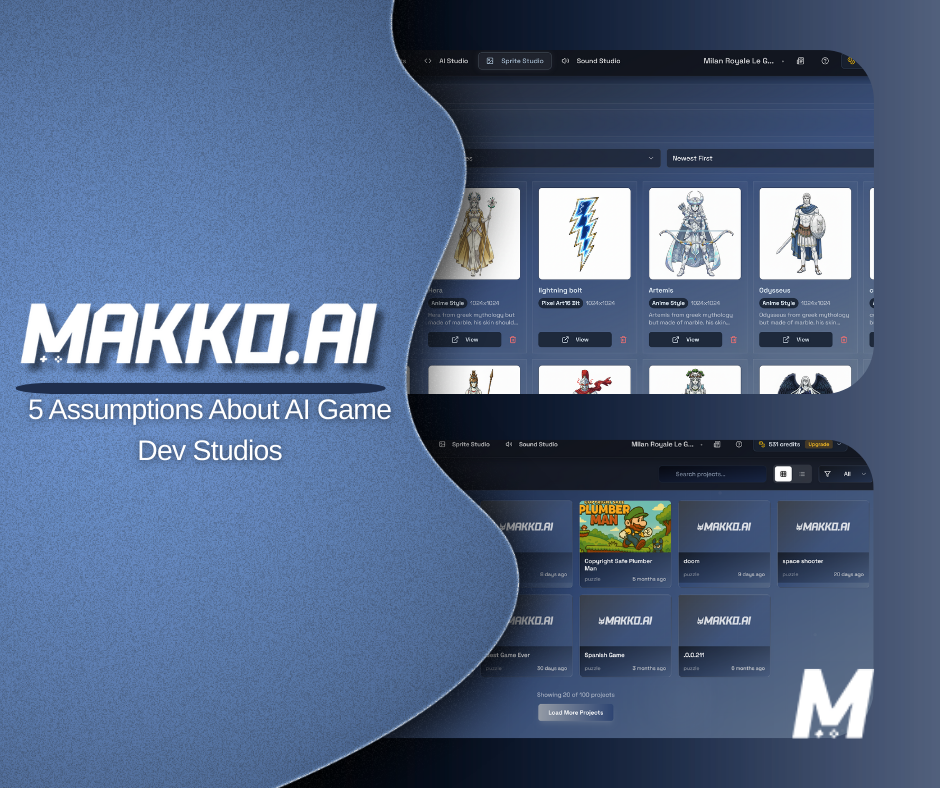
Assets generated in Art Studio, including sprite sheets, can be exported. Sprite sheets export as WEBP files in a zip archive, with layout options including automatic grid, max columns, and single row. The Alignment Tool in the manifest system produces standardized configurations for anchor points, scale, and hitbox settings that translate to standard game engine configurations. These are not Makko-proprietary formats; they are structured outputs that can be imported into any engine that accepts standard sprite sheet assets.
The practical implication is that using Makko as a production layer for asset generation does not close off later migration. A team that generates characters, backgrounds, and animations in Art Studio and then moves the project to Godot for final production is following a workflow that the export system supports. The Makko-specific elements are the Code Studio game project and the agentic workflow, not the assets themselves.
Where lock-in is a real concern is the game project built inside Code Studio. The logic layer, the game structure, and the scene architecture are specific to Makko's environment and do not export to Unity or Godot in a form that transfers directly. Teams planning a full production migration should treat the Code Studio project as a prototype layer and plan the migration from the start rather than discovering the scope of the move late in development.
What These Assumptions Have in Common
Each of the five assumptions above contains something true. AI does not replace creative direction. One-shot generation does produce low-quality output. The system does sometimes make assumptions the creator did not intend. Assets are not infinitely portable without any constraints. The corrections are not that these concerns are wrong; they are that the concerns apply to a narrower category of tool than the assumption implies.
The distinction that matters throughout is between one-shot generation with no project context and agentic orchestration with full state awareness. Most of the criticism of AI game development tools is accurate for the former. Most of it does not apply to the latter. Understanding which category a specific tool belongs to is the most practically useful thing a creator can know before deciding whether to use it.
Frequently Asked Questions
Does AI replace the need for creative decision-making in game development?
No. AI-native tools shift the development bottleneck from implementation to design. Instead of spending time on manual scripting and state management, creators spend more time deciding what the game should do and how it should feel. The AI handles the coordination and assembly; the creative direction remains entirely with the creator. The result is not less design work, but more of it, because the implementation overhead that previously consumed most of the available time has been reduced.
Are AI game development studios only useful for beginners?
No. The core value of AI-native workflows is not that they lower the skill requirement. It is that they reduce the coordination overhead that consumes time at every skill level. For experienced developers, the benefit is reaching testable builds faster and iterating more frequently within the same time budget. The hybrid model, using an AI studio for architectural foundation and rapid prototyping then migrating to a traditional engine for final optimization, is a practical strategy for teams of any size.
Does AI-generated game content result in low-quality output?
Output quality depends on the underlying system, not on whether AI was used. A one-shot generator with no project context produces isolated outputs with no consistency. An agentic system that maintains state awareness across the full project produces implementations that are coherent with what already exists. The difference is not AI versus no-AI; it is whether the system understands the goal and the context, or is simply responding to an isolated prompt.
Does AI guess at gameplay behavior or reason through it?
Agentic AI systems interpret goals and perform task decomposition before implementing anything. When a creator requests a save system, the system identifies what persistence logic is needed, what state variables it must write and read, and how it should interact with existing systems. Plan Mode in Makko makes this reasoning visible: the system surfaces its plan before executing, so the creator can review and correct it before any changes are made. That said, ambiguous requests produce implementations that reflect the ambiguity. Clear intent produces more reliable output.
Are assets created in Makko locked to Makko?
Art Studio assets, including sprite sheets, can be exported as WEBP files and used in traditional engines. The Alignment Tool in the manifest produces standard anchor point, scale, and hitbox configurations. What does not transfer directly is the Code Studio game project: the logic layer and scene architecture are specific to Makko's environment. Teams planning a full production migration should treat the Code Studio project as a prototype layer and plan the migration from the start.
For detailed walkthroughs and live feature demos, visit the Makko YouTube channel.